
OrbitSelf: Let Go of What Weighs on You
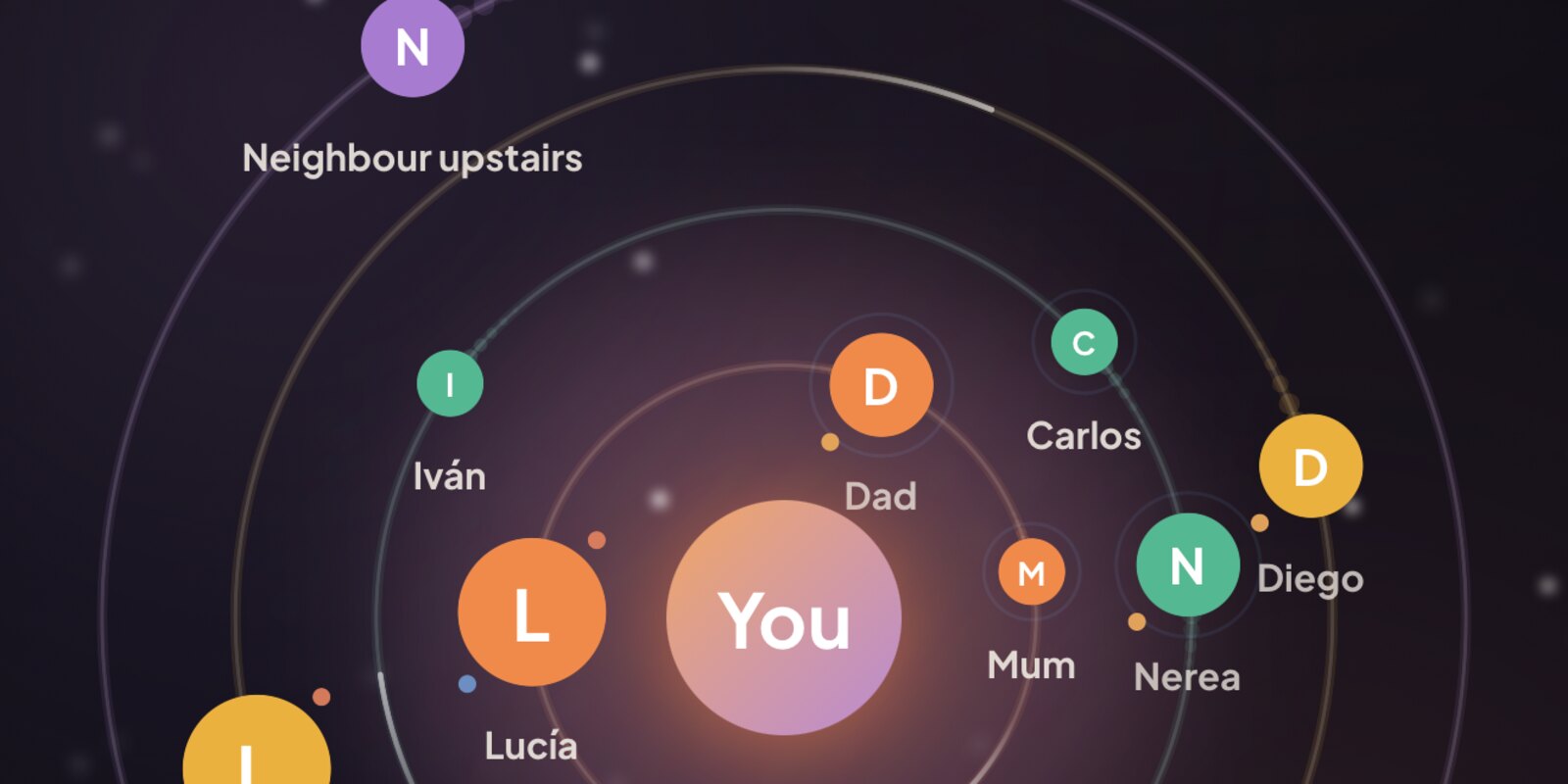
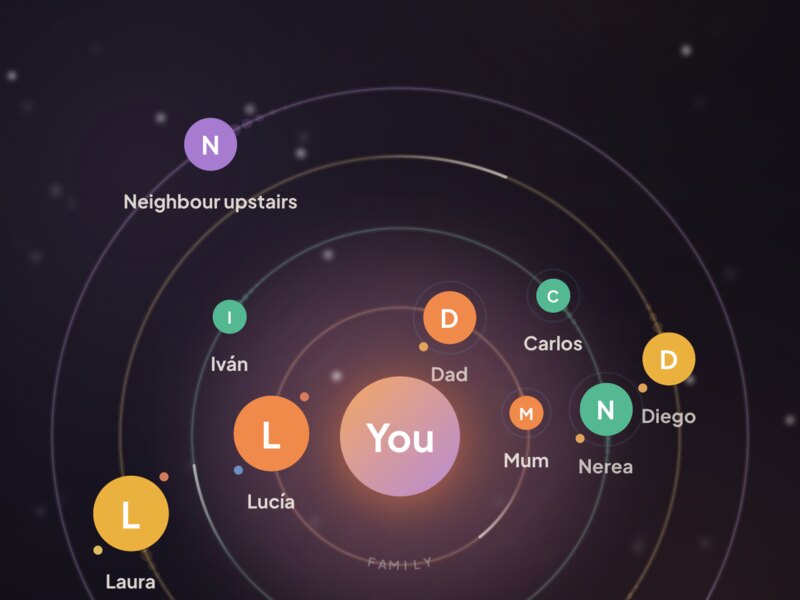
OrbitSelf turns what you carry into a living universe. You are at the centre and the people in your life orbit around you: family, friends, work and everyone else. When something weighs on you, just tell it, by voice or in writing. OrbitSelf places it on your map and offers calm ideas to let it go, one step at a time.
 Download on the App Store
Tell It Your Way
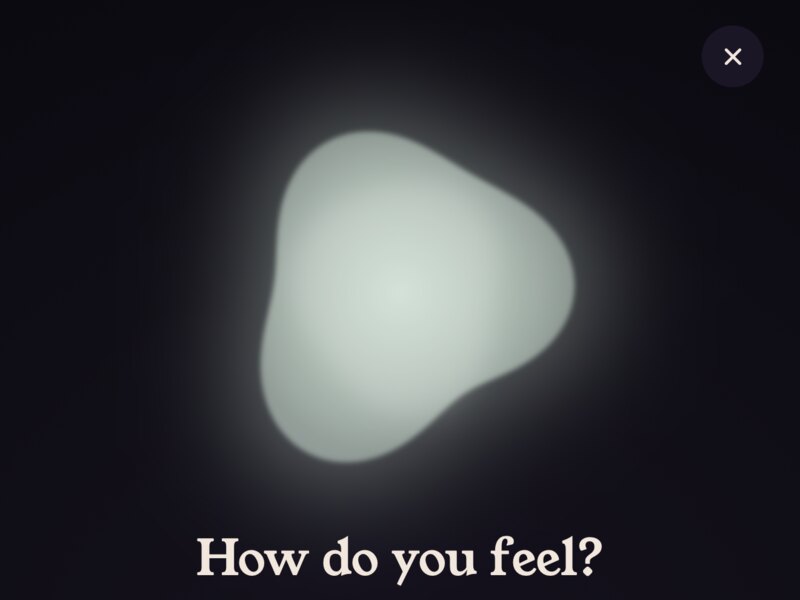
Pick how you feel on a wheel of emotions and tell what happened, speaking or typing. The AI understands who it's about and what really hurts underneath, and places it on your map as an open topic. It even recognises "my wife" or "my boss" among the people you already have.
Three Different Paths
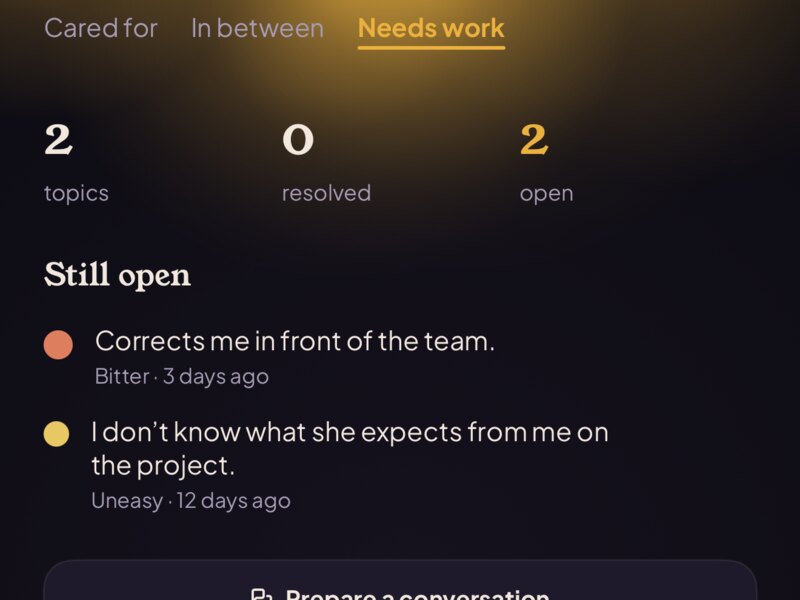
For every open topic you get three ideas: one to talk it through, one that doesn't depend on the other person, and one to work on inside yourself. They are ideas to think about, never orders. You can also prepare a difficult conversation: what you want to say, what isn't up to you, and what would be enough.
A Journal That Writes Itself
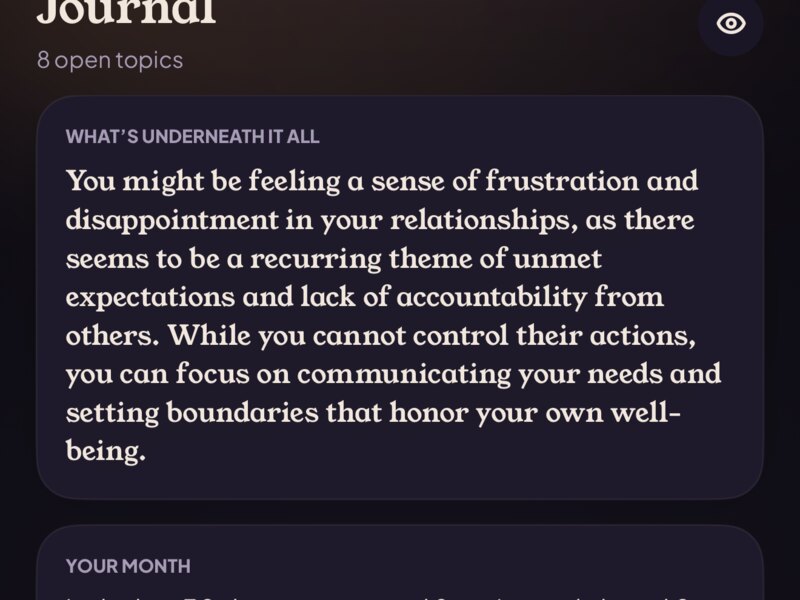
What's underneath it all, your month, what works for you and the patterns between people. Once a week, at most, OrbitSelf gently asks: "Is this still weighing on you?" And what doesn't move after weeks can become a clean PDF summary to take to your therapist.
Private by Design
Face ID or a code blurs names, photos and topics. Your data syncs with iCloud, end-to-end encrypted, so only your devices can read it. No account, no email, no ads, no tracking.

Try It Free
OrbitSelf includes 20 free ideas. After that, a single payment unlocks the AI for good. No subscription. OrbitSelf is not therapy and does not replace a professional.
Support
Need help? Write to contact@kubographics.com and I'll get back to you.
- My data didn't come back on a new iPhone. Make sure you're signed in to iCloud and that "Save to iCloud" is on in OrbitSelf's Settings. On first launch the app looks for your data in iCloud before showing the welcome screen.
- I bought the full version but it asks me to pay. Open Settings in OrbitSelf and tap "Unlock", then "Restore purchase".
- The AI doesn't answer. Check your internet connection. If you've used many ideas today, there's a daily limit to keep the service fair; it resets after 24 hours.
- How do I hide sensitive information? Tap the eye at the top of any screen and set up Face ID or a code.
- How do I delete everything? Delete the app, then remove its iCloud data in iPhone Settings > [your name] > iCloud > Manage Account Storage > OrbitSelf.
If you are in danger or thinking about hurting yourself, please contact your local emergency number right away. In Spain: 112, or 024 for suicide prevention. Elsewhere: findahelpline.com.

I made OrbitSelf because what weighs on us is almost always about people, and it's hard to see it clearly from the inside. Seeing everyone around you, and letting go of one small thing at a time, turned out to be surprisingly calming.